Building out a UX Research Practice
When I started at Architech, there was no research team. My initial job title was “Senior UX Researcher and Designer” - a really big mouthful that I was determined to whittle down to focus just on the ‘researcher’ part. In between designing wireframes and site content, I began working on building a proper research practice.
Templates
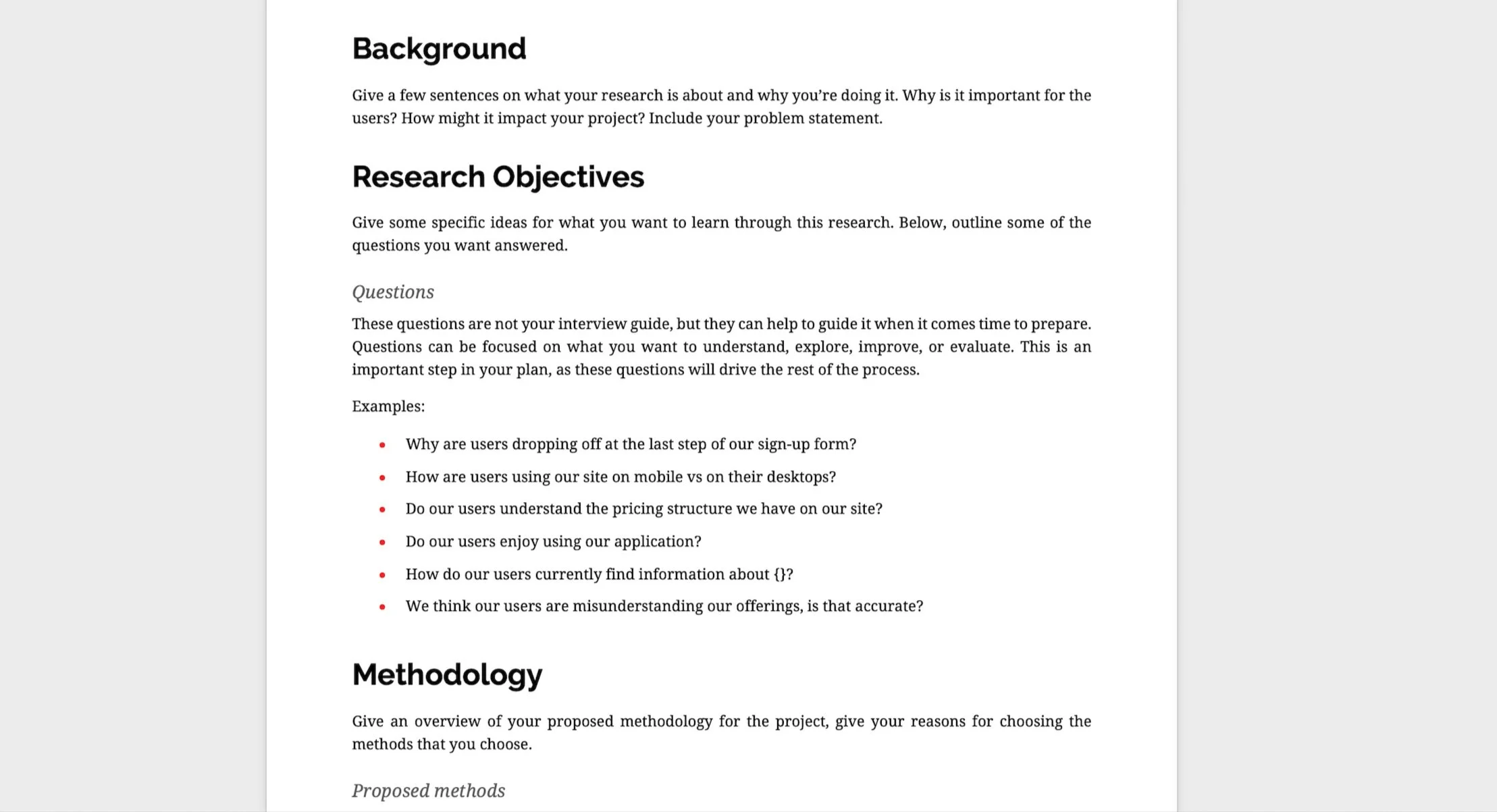
A screenshot of an excerpt from my research plan template
Since I started out at Architech as a research team of one, it was really up to me what form research took. Because I was touching multiple projects for different clients, I wanted to create some consistency for both myself (so I wasn’t just overwriting old client work for new projects) and for my teams (so they new what to expect from working with a researcher). Starting out with a template for a research plan, I also created templates for usability testing, research intakes, consent forms, as well as a code of ethics and checklist for research processes at Architech. These templates came in very handy once I was able to expand the research team and hire a junior UXR. I later turned my research plan template into a Claude skill to make creating those documents faster.
Research tools
As the first UX researcher at my company, there was no suite of tools awaiting me when I got started. I began with free tools like Airtable for analysis and intake forms, and added Survey Monkey not long afterwards. The first usability tests I ran with Architech were done in person, and interviewing was done face to face or through videoconferencing software.
The bigger challenge was when COVID hit and we needed to pivot online for all of our testing and recruiting. Usability testing was growing more popular with clients who began to see the value in getting feedback earlier in the project process, and we needed a tool that had a panel of testers built-in. Finding an all-in UXR tool with a very small budget was a challenge, but I eventually decided on Userlytics which landed in the sweet spot of cost and features. Later on, I changed our testing tool to Lyssna to make our budget stretch further. We also explored Full Story for one of our B2C clients.
Hiring and managing a junior UXR
After a few years of slowly building up our research offerings and educating clients on the value of UXR, I finally had too much research work to handle myself, and got the budget approval to hire a junior researcher to join our team.
Managing a junior researcher has been an interesting new challenge. For most of my career, I wasn’t able to learn from a senior researcher, so I had no model of how a research mentorship should work. I leaned on both my manager at the time, took a leadership course, and reflected on what would have helped me when I was figuring out how to do user research all those years ago.
Improving research practices for a client
After working on the customer-facing side of Rogers, I joined the internal design team to support on various tools that Rogers customer service agents use in their day-to-day work, like their knowledge management system and their platform for sales and support. These teams had some experience with researchers, but there hadn’t been an embedded researcher before to establish best practices with the design team.
“[Meg] took the initiative to build and organize our research practice, creating feedback loops, coordinating research programs, and ensuring the team had a steady stream of user insights to inform decisions.”
Documentation
The design team at Rogers documented all of their work in Figma, their primary tool. This might work for layouts and dev notes, but makes research findings difficult to reference - trying to find a Figjam board in the sea of design files was not an easy task! One of the first things I worked on was setting up spaces that could be referenced for any future studies. This included both restructuring the current Sharepoint space for the research repository, where past work was scattered around in different areas, and creating a working space for research studies in Loop. With these tools, the design team could access research work, contribute to objectives and interview guides, and be kept in the loop with the schedules of studies. Links to these spaces were pinned to our UX chat in Teams, creating bookmarks for all team members that could be easily accessed.
Networking - BUILDING OUT A CONTACT LIST
Doing research with internal users makes recruiting both easier and more difficult. Our user base was clearly defined and internally accessible, but getting customer service agents (which includes sales, tech support, and customer care) offline was not as simple as purchasing participants the way you can on tools like User Research and Lyssna. Large organizations can be quite political, and knowing who to ask for participants (and how to ask them) was an ongoing learning experience at a company as large as Rogers. I built out an internal rolodex of contacts that could be tapped for research projects, as well as documenting the recruitment process (which was formerly ad-hoc).
Nimble research
Work on internal tools can move both slowly and quickly depending on the project, so I wanted to give the designers options for feedback that would suit their timelines. For longer-term projects, I would execute discovery research alongside the project leads, and evaluative usability testing on their designs throughout the project process. But for shorter design questions, like “which of these options (a toggle or a dropdown) would help agents filter their available offers more quickly?” I wanted something quicker than a formal test. With the contacts I had built up, and with help from my design manager, I set up some small panels of agents from different teams (customer care, telesales, and retail) to vote on polls shared through Microsoft Teams. This allowed us to do some quick preference testing to give clarity to the designers without having to execute a full usability test, or book offline time with agents.
Executing with the team - THE FUN BIT
Doing ongoing research with an internal audience was a lot of fun. These participants were knowledgeable about their jobs, had strong opinions about how to improve their tools, and were great to talk to (they talk all day for a living after all!). Many of them had never been asked directly for feedback before, or given the opportunity to contribute to the direction of the tools they were using, so that sense of excitement was contagious. I also would invite a designer from the project to join in a session as an observer in every test, so that they could see how usability testing works, and see interactions on their designs firsthand. This helped with research buy-in on the various design teams, and was also a fun experience for the designers as well.